
Solutions · Compliance, Handled
Sell with confidence. The checks run themselves.
Age verification, container deposits, and state reports built into the sale — so they happen every time, automatically, and your busiest Saturday rings as clean as a slow Tuesday.
Compatible with all 50 state driver’s license formats — audit trail kept automatically.
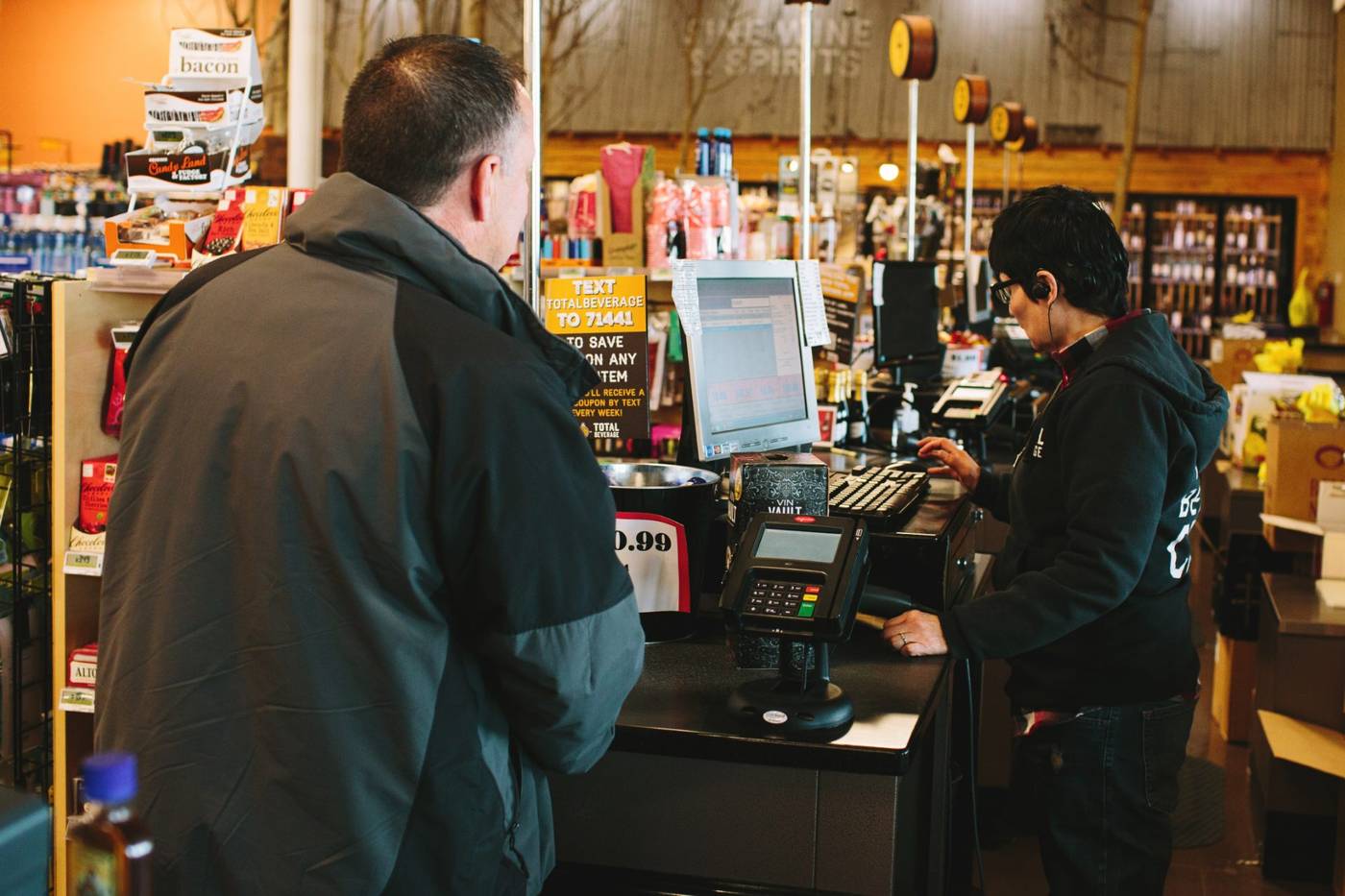
Where compliance slips under pressure
A busy Saturday is exactly when compliance checks need to be automatic.
In beverage retail, compliance isn’t optional — and it doesn’t slow down when the line is three deep. Age verification that depends on cashier judgment, state reporting assembled from exports by hand, and deposits keyed in manually introduce risk at every transaction.
The problem is rarely intent. Checks built into the workflow run every time; checks that depend on memory don’t.
You set the policy. We make sure it runs every time.
Where it gets missed
- Age checks that rely on cashier judgment when the counter is busy
- No audit trail when a transaction gets questioned
- State compliance reports assembled from data exports by hand
- Deposits and container fees keyed in manually, per sale
How mPower helps
The right check at the right moment — automatically.
Compliance requirements built into the transaction mean they happen for every sale, not just the ones that get reviewed after the fact.
ID scanning at the register
Reads driver’s license barcodes for all 50 states — extracts date of birth and expiration automatically, in under a second, with a clear visual pass or fail.
Verification that can’t be skipped
The age prompt appears for every age-restricted sale and cannot be bypassed — so the check happens every time, regardless of how busy the counter is.
A complete audit trail
Every verification is logged automatically: timestamp, register, cashier ID, method used, and outcome — searchable and ready if an inspection or review requires it.
State-specific compliance reports
Reports pre-formatted for individual state requirements — including TABC and Pennsylvania distributor reporting — not a spreadsheet you have to reformat before each submission.
Deposits and bottle fees that apply themselves
State deposits and container fees appear at the register for every applicable sale — without the cashier needing to know the current amount for each container type.
Configurable compliance rules
Set the verification requirements your store needs — ID scan on every sale, date-of-birth entry, or both — with manager overrides logged by cashier ID for accountability.
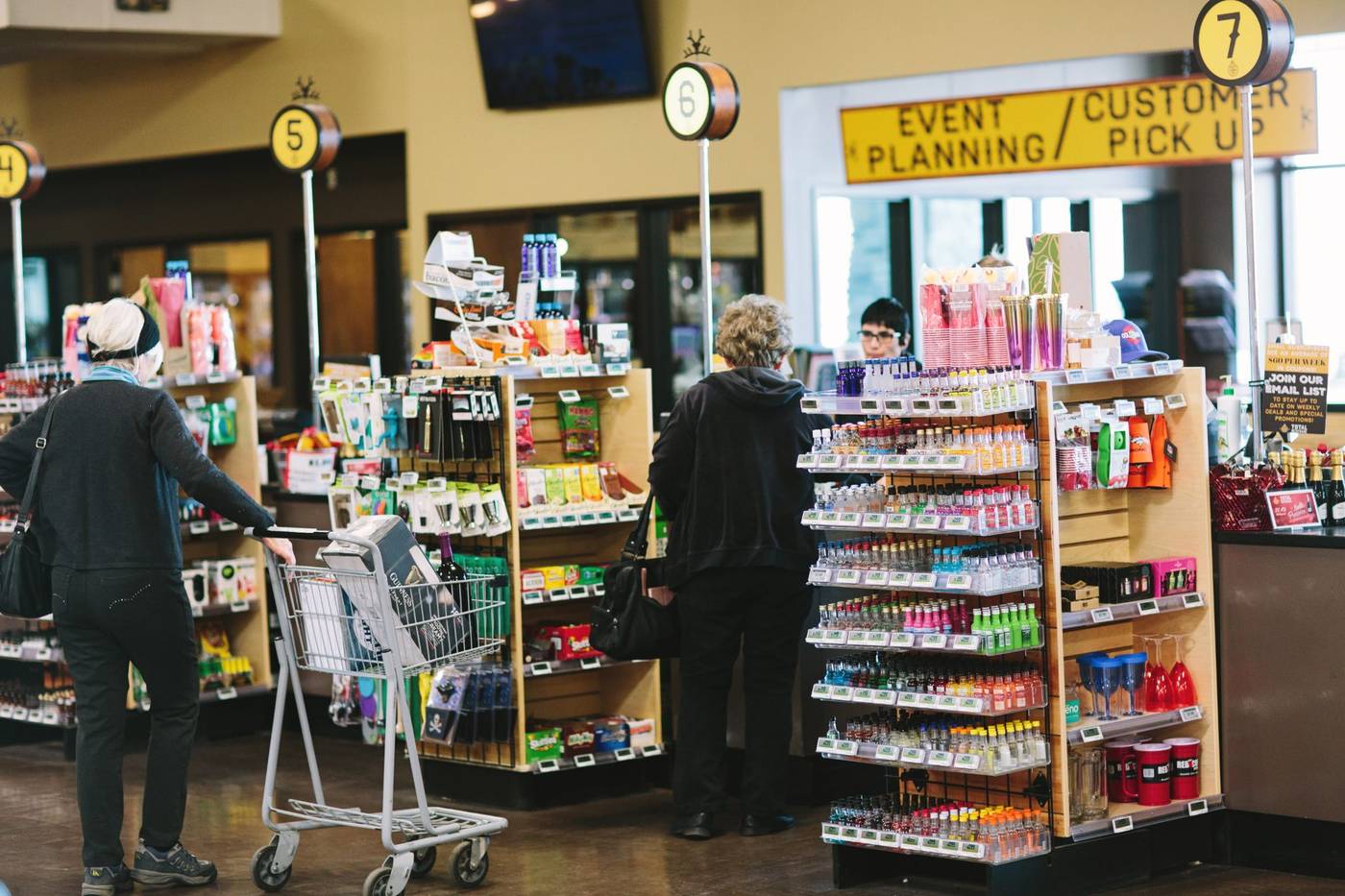
Shared Navigation
The compliance check that happens once in a thousand isn’t protection.
The check that matters is the one that happens every time. mPower builds age verification into the transaction — not as a reminder, but as a step that can’t be skipped — and keeps the record automatically without anyone having to log it separately.
That’s what “shared navigation” means for compliance: a second set of eyes on the transaction, so yours can stay on the customer.
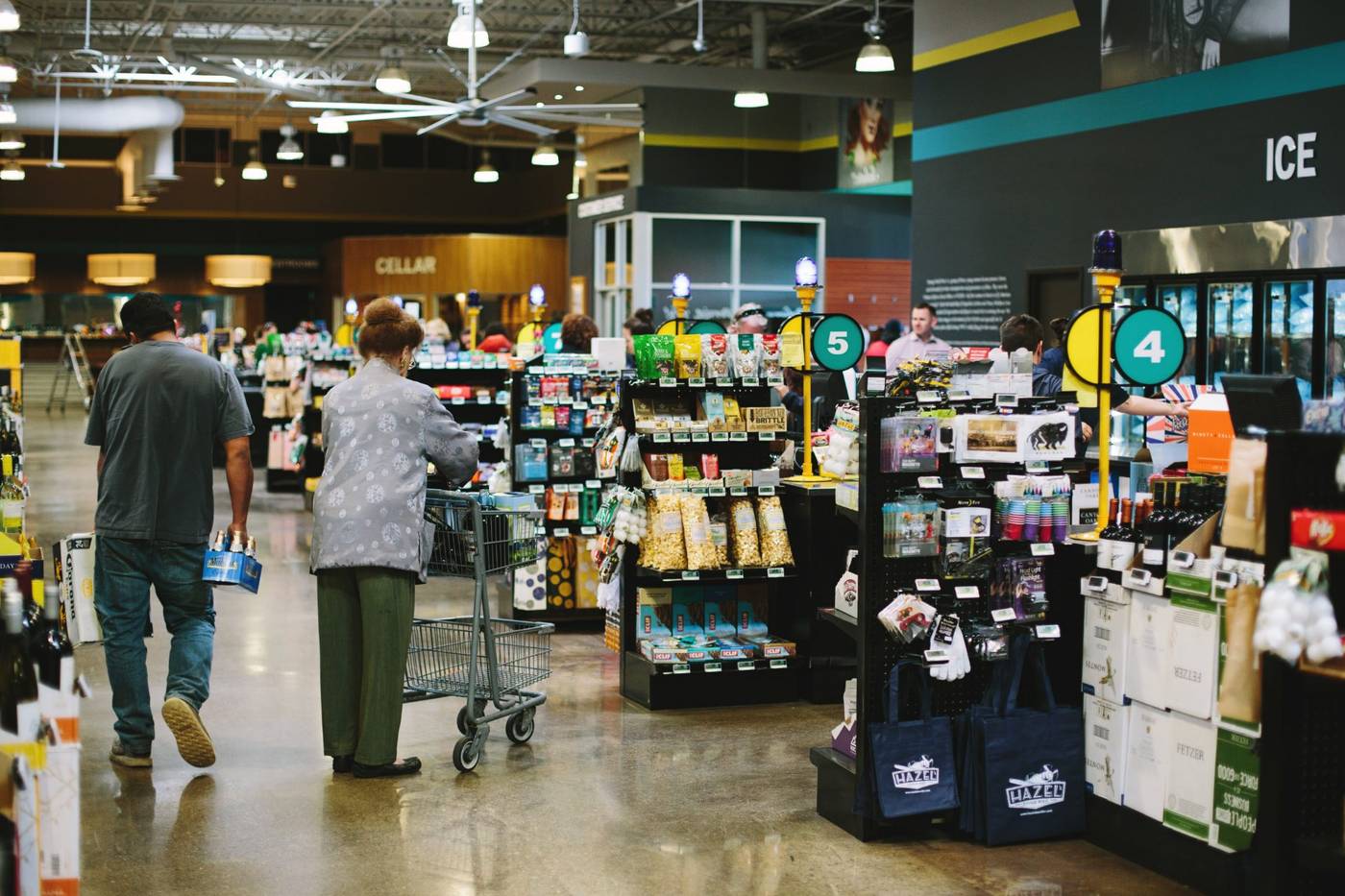
Proven across the category
Trusted by independent operators across 46 states + DC.
Built only for beer, wine & spirits — every compliance detail is built for the category.
Keep going
Compliance is one part of running it right.
Related solutions
Run Every Store Like One
Consistent compliance across every location — same rules, same records, one view.
ExploreSet It Once, Trust It Everywhere
Write the rule once, in plain English — it keeps the right stock on the shelf, catches the exceptions, and holds your margins at every store.
ExploreFocus Where It Pays Off
Compliance is handled. Your margin view is next — down to the bottle.
ExploreThe product behind it
Point of Sale
The register that keeps compliance, deposits, and case breaks running without the manual overhead.
ExploreAnalytics
Compliance data, audit records, and margins you can stand behind — in real time.
ExploreIntegrations
Connected to your processor and distributor network — compliance built in from the start.
ExploreSee compliance built into
the register, not around it.
A consultative walkthrough of mPower’s compliance tools — with a real person who knows beverage retail.
Schedule a Demo