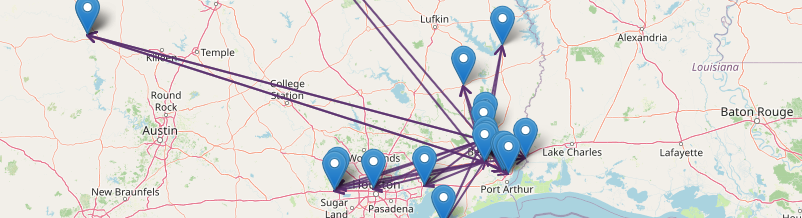
One multi-location view across every store
All inventory, sales, and margin across every store in one place — with numbers that reconcile, so you’re comparing apples to apples instead of squaring up separate reports.

Product · Multi-Store Management
One purchase order for the group, a transfer check before you buy, cases split by what each store sells, numbers that reconcile. mPower prepares it; you approve it.
Run your locations as one operation: reconciled numbers, a transfer check before you buy, and per-store detail without losing the group picture.
How it works
One view, reconciled numbers, and buying decisions informed by what you already own — so multi-store runs like a single operation, not a collection of separate ones.
All inventory, sales, and margin across every store in one place — with numbers that reconcile, so you’re comparing apples to apples instead of squaring up separate reports.
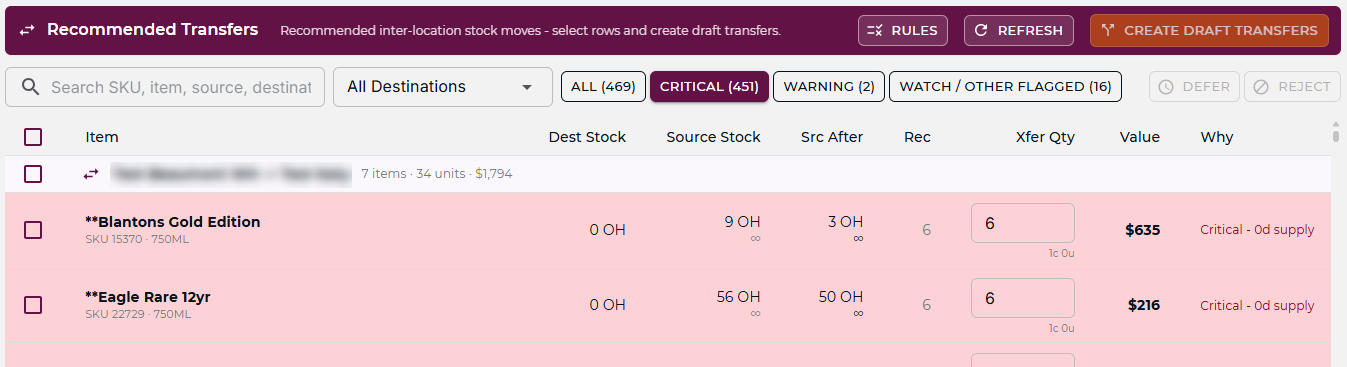
Before a purchase order goes out, mPower checks whether another location already has excess stock and recommends moving it instead of buying more. You make the call — we show you the whole picture first.
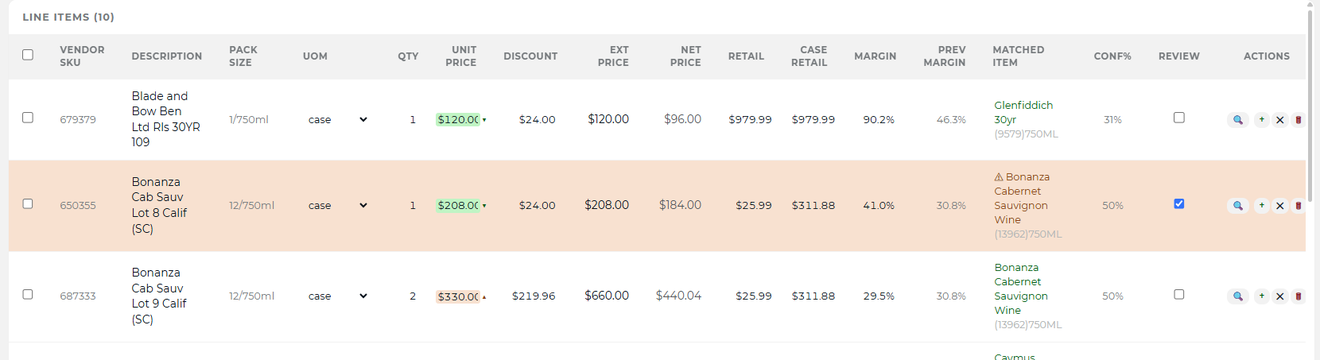
When a deal is on the table, mPower splits the cases across your stores by what each one actually sells — so you clear the minimum and sell through it, instead of tying up margin in cases that sit.
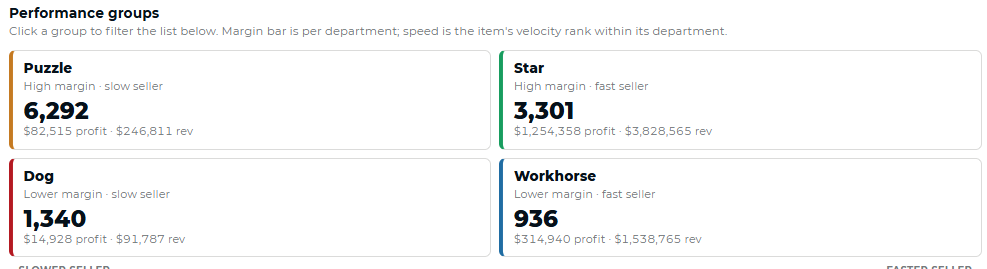
Cross-location numbers that add up: compare stores, see total margin, and spot where product is sitting versus where it’s moving — without a spreadsheet in between.
Multi-store, reconciled
A vendor deal has a minimum quantity — buy 100 cases, get 10 free, that kind of structure. Most single stores never move enough volume to clear it alone, so the deal gets skipped. Combined across your locations, clearing the minimum is the easy part. Where those cases go next is what makes it money.
One store sits on cases another store keeps running out of. mPower sees both, and recommends the transfer before you reorder.
Every purchase order starts from what is already on your shelves — across all of them — not just the ones in front of you.
Combine locations onto a single purchase order, clear the vendor minimum, then split the cases by real sell-through rather than by whoever placed the order.
No stack of separate reports to square up by hand at month end. One set of figures, consistent across every location.
Across stores
When every store is on the same system, the transfer recommendations make sense, the vendor deal math makes sense, and the buying decisions make sense. You’re not guessing what another location has — you can see it, and act on it, before you place an order.
That’s what running multi-store with mPower looks like. Not a stack of reports to reconcile by hand. One picture, across all of it.

The rest of the platform
Case breaks, deposits, age checks and deals, rung the way beverage retail works.
Explore→Stock tracked to the bottle, so you reorder before the shelf goes empty.
Explore→Dashboard, Sales Analysis, Catalog Health and Item Analysis on live register data.
Explore→Solutions it powers: Liquor store profitability · Multi-store operations
Ready to run them as one?
A consultative walkthrough of mPower’s multi-store management — with a real person who knows beverage retail.
Bigger deals, less dead stock, and one purchase order that covers every location.
Schedule a Demo