
Product · Point of Sale
Built for the bottle.
Not borrowed from retail.
Case breaks, deposits, and age checks the way beverage retail actually works — and a second set of eyes on the numbers from the first scan of the day.
Works with three integrated processing partners — your choice, not a forced default.
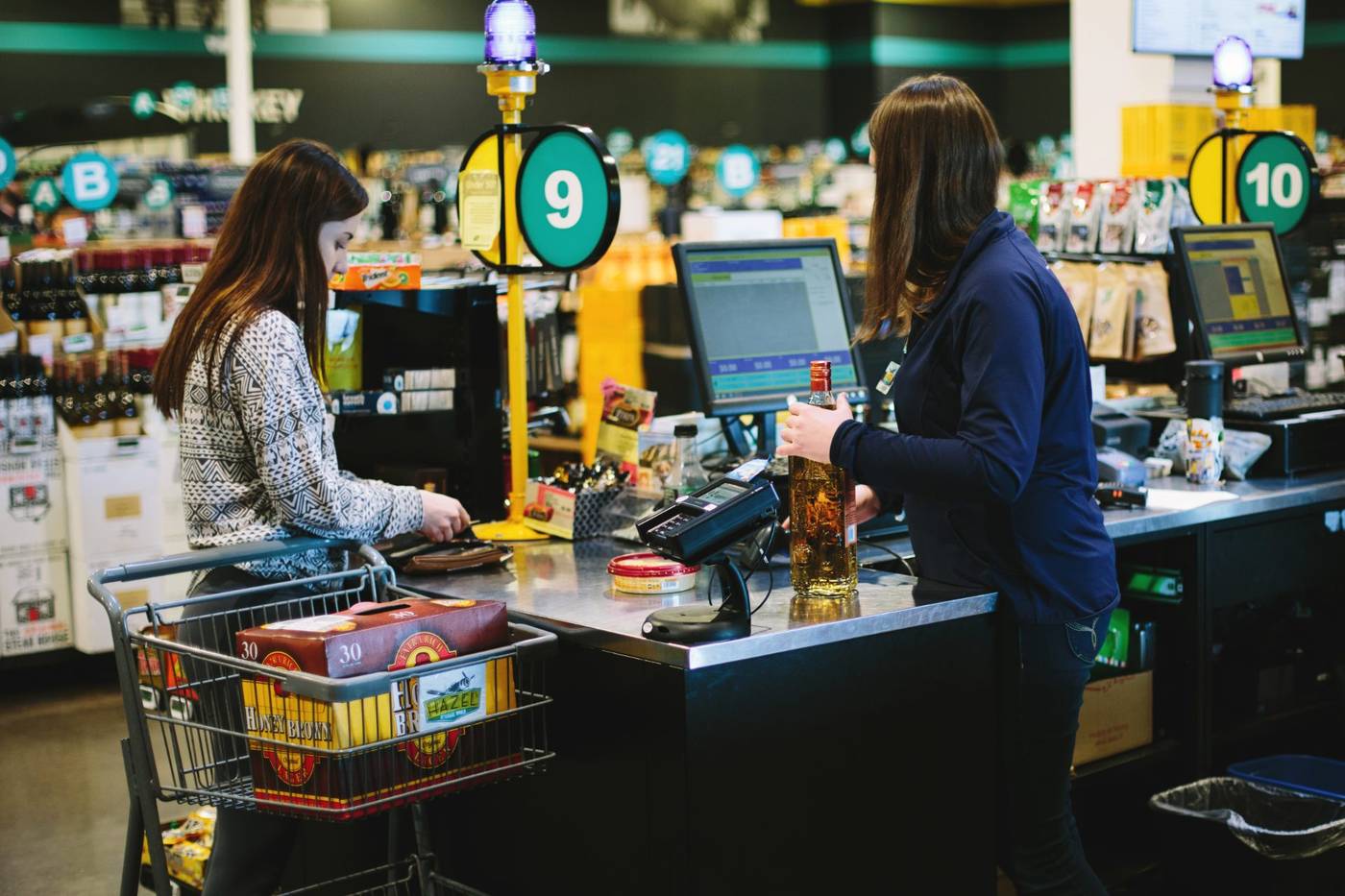
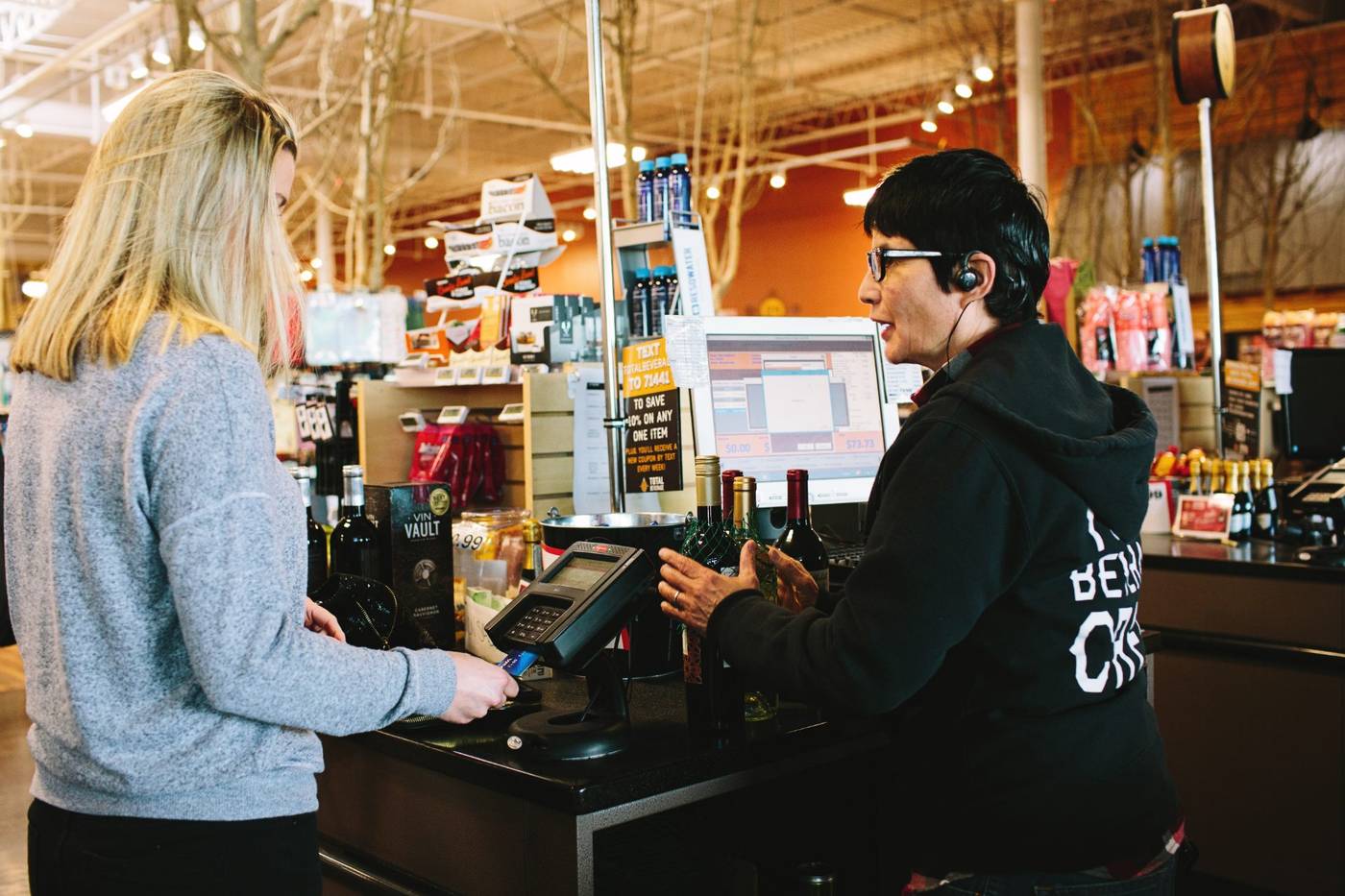
At the lane
Sells the way beverage actually sells.
Most systems were built for a clothing rack or a coffee counter, then pointed at a liquor store. mPower starts from the bottle:
Case, pack, or single. One item, three ways to ring it — counts and costs stay right across all three, so a broken case never turns into a phantom bottle.
Deposits & bottle fees. State deposits and container fees apply themselves on every ring — never hand-keyed, never skipped.
Mix & match and quantity deals. The deal you promised on the shelf is the price the lane charges. No manual math, no missed margin.
Deals and price floors are rules you write once, in plain English — and the lane holds them. See how rules hold
You ring the sale. The details stay honest.
Compliance at the counter
The checks run themselves.
Age prompts are part of the flow — the lane asks before it rings, every time, on every lane. Deposits, fees, and the right tax land on the right lines without anyone thinking about it.
So the register tape and the state report tell the same story, and when someone asks, the trail is already there.
Compliance is a whole discipline in this category — here’s the full picture
At the lane, automatically
- ID & age prompts in the flow
- State deposits & container fees
- The right tax on every line
- A trail that reconciles at close
Every ring is a signal
The register isn’t the end of the sale.
It’s the start of the information.
Each scan updates inventory, movement, and margin the moment it happens — so tonight’s numbers show today’s business. Watch one sale carry itself from the first scan to the back office:
Proven on real counters
Fifteen years of beverage retail, built in.
mPower has been refined on real liquor-store counters since 2009 — by the people who ring on it every day.
Your choice of processor — your rates, never locked in.
The rest of the platform
The register is one set of eyes. Here’s the rest.
Inventory Management
Know what’s on the shelf and what it’s worth — down to the bottle.
ExploreReporting & Analytics
Margins, movement, and compliance you can stand behind — in real time.
ExploreMulti-Store Management
Run every location from one place, with numbers that reconcile across them.
ExploreIntegrations
Your distributors, your accountant, your processor — connected, your way.
ExploreAI & Automation
A second set of eyes that flags what’s slipping before it costs you.
ExploreSolutions by challenge
Start with the problem you’re facing — margin, reordering, receiving, multi-store.
ExploreSee it ring on a
store like yours.
A consultative walkthrough of mPower’s point of sale — with a real person who knows beverage retail.
Schedule a Demo