One purchase request, one pool of volume
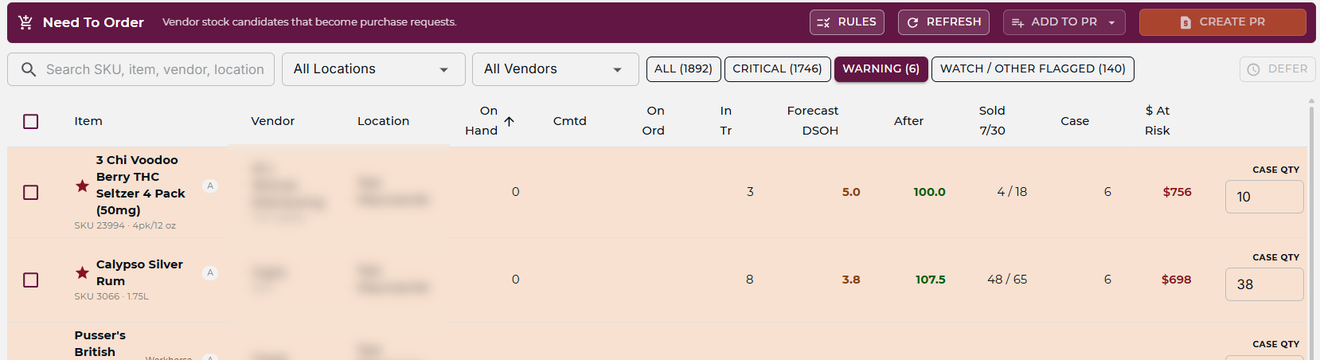
Instead of each store placing its own order, one request covers all of them. A case price that requires buying 100 cases is reachable when you’re buying for three stores at once.
Learn More→Solutions · Run Every Store Like One
Run two locations or twenty with the leverage of a much bigger operator: buy as one to land the deals, pull from an overstocked store before you reorder, and see all of them in one view.
Without running each like a separate business on a separate system. Built for multi-location from the start.
Where more stores add friction
A second store doubles the operational surface if the systems don’t scale with it. Checking inventory at another location means a phone call. A pricing decision that should apply everywhere has to be set in two places. Month-end means pulling numbers from both stores and combining them by hand. The stores are separate locations — the management of them shouldn’t feel like it.
Finding out what the other store has shouldn’t depend on somebody picking up. One view answers it in a second.
Learn More→A price change that should apply everywhere ends up entered separately in each location — and drifts apart from there.
Learn More→Numbers extracted from each store and reconciled in a spreadsheet at month-end, instead of always being current and comparable.
Learn More→A new location rebuilt from scratch — catalog, vendors, pricing, reorder rules — instead of inheriting what the network already runs on.
Learn More→How mPower helps
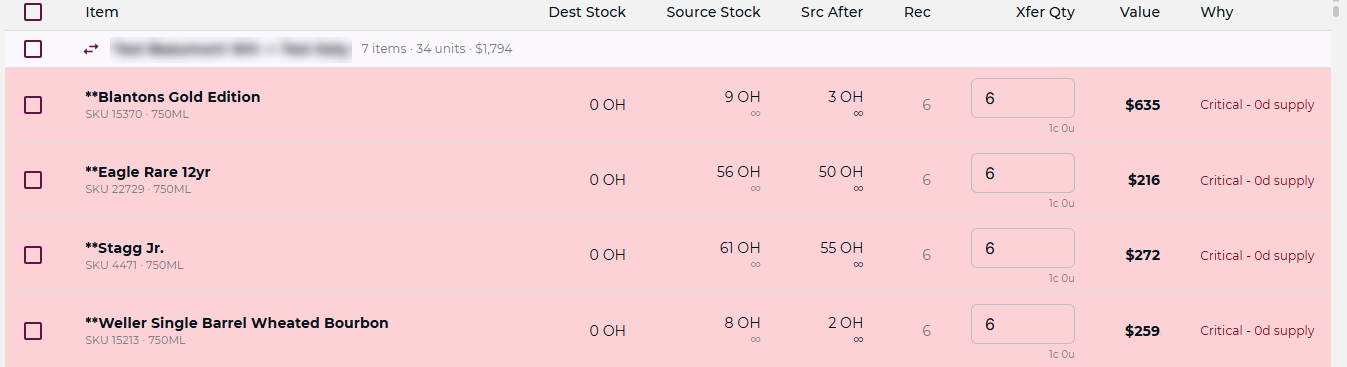
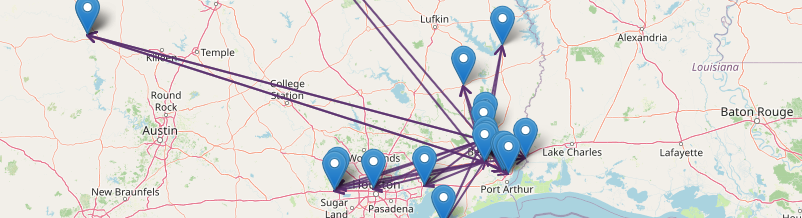
One purchase request orders for every location at once, pooling enough volume to unlock vendor deals a single store couldn’t justify. When a store is running low, a sister store’s surplus ships first — before a new PO goes to a vendor at a worse price.

Instead of each store placing its own order, one request covers all of them. A case price that requires buying 100 cases is reachable when you’re buying for three stores at once.
Learn More→
When a portfolio deal comes in with a fixed case mix, mPower splits it across stores by selling velocity and days-of-supply — skipping the locations already overstocked on that item.
Learn More→
Before a vendor PO goes out, mPower checks whether another location is sitting on that item. If there’s a viable transfer — surplus quantity, shorter lead time — it recommends that instead of paying to build more stock at a vendor’s price.
Learn More→
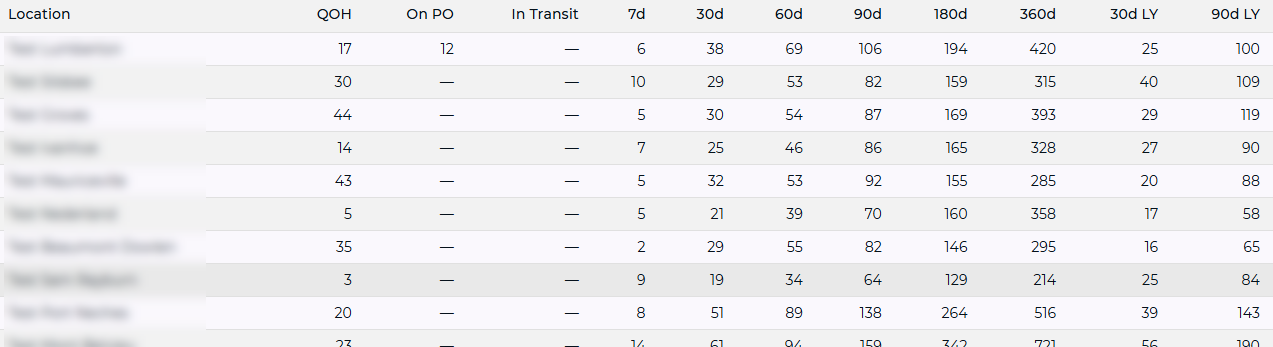
Sales, margins, inventory and vendor performance across every store on a single screen. Comparable side by side, so you can see where the differences are without extracting anything.
Learn More→Shared navigation
More locations means more moving parts — pricing decisions, inventory needs, reporting across the portfolio. mPower keeps all of it in one view, so a decision that used to take three phone calls is visible at a glance.
Each store is still its own operation. The second set of eyes just covers all of them — and a new location comes online on the shared catalog in days rather than weeks, contributing to group purchase volume from day one.
Explore Multi-Store Management→
Keep going

See where your profit actually concentrates — the vital few items that make most of the money, and the dead weight that doesn’t.
Explore→
Write the rule once, in plain English — it keeps the right stock on the shelf and holds your margins at every store.
Explore→
Never run out of the items that make your money — reordered before they hit zero, with surplus pulled from another store first.
Explore→Ready to run them as one?
A consultative walkthrough of mPower’s multi-location tools — with a real person who knows beverage retail.
Pricing and inventory reconciled across locations, inter-store transfers with full tracking, and a U.S.-based team behind it.
Schedule a Demo