Start with the difference that needs you.
Invoice matching compares the purchase order, received quantities and invoice costs. A line outside the configured tolerances is brought forward so you can see what changed, rather than rereading every line.

Solutions · Set It Once
A vendor cost changes. An invoice line differs from the order. A price no longer meets your margin floor. mPower brings the exception to your attention, with the numbers behind it and a decision for you to make.
See your second set of eyes at work
A cost outside tolerance opens for review. The owner checks the variance, adds a note and records a hold for vendor follow-up.
How mPower helps
Invoice matching compares the purchase order, received quantities and invoice costs. A line outside the configured tolerances is brought forward so you can see what changed, rather than rereading every line.
Approve, hold or reject the matching review and record the reason. The review history keeps the decision, notes and reviewer together. A hold keeps the exception on record while you follow up with the vendor.
When a higher cost is correct, the next concern is the selling price. Margin Shield identifies items below your margin floor so you can review where a price adjustment is needed.
When cost increases leave an item below its configured margin floor, Margin Shield brings the violation into view for review.
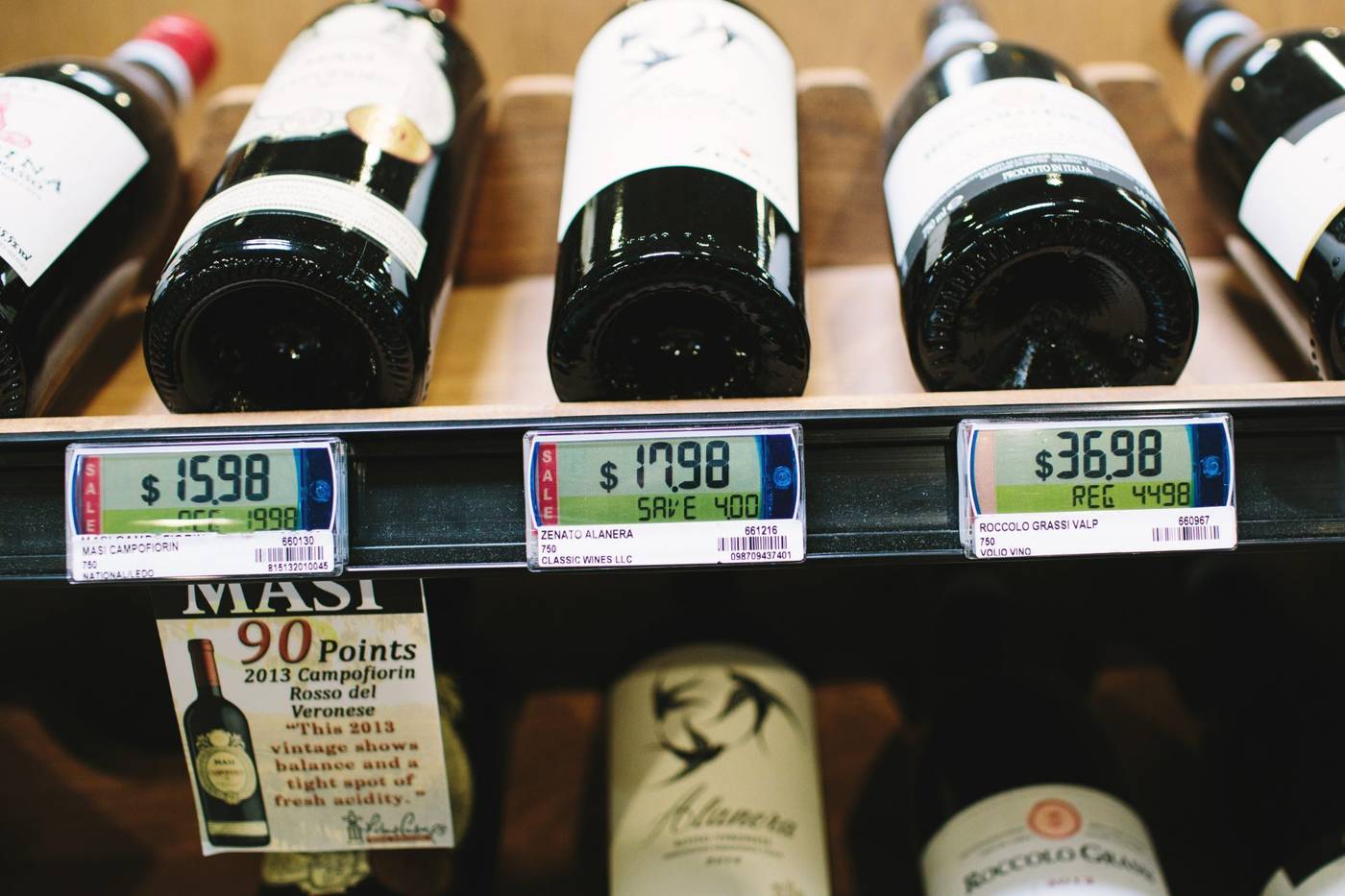
The useful outcome is a cost discrepancy reviewed, a decision recorded and margin pressure brought into view. You stay in control of the response.
Related solutions
See which bottles earn their shelf space and which stock ties up your cash.
Explore→Stockout risk, expected supply and the profit at stake, in one view.
Explore→Scan the invoice stack. mPower matches it to the order and flags what’s off.
Explore→Buy together as a group, with each store’s mix matched to its own demand.
Explore→Explore the tools that support this workflow.
Reads every sale, cost and count, and tells you what needs you, worst first.
Explore→Case breaks, deposits, age checks and deals, rung the way beverage retail works.
Explore→Stock tracked to the bottle, so you reorder before the shelf goes empty.
Explore→Keep margins in view
A consultative walkthrough of mPower’s pricing and promotions tools — with a real person who knows beverage retail.
Mix-and-match and dual pricing built in, margin protection on every price change, and a U.S.-based team behind it.
Schedule a Demo